Your guide to...
Lionesses HERe to Play Fund Grant award publicity
Congratulations on receiving your Lionesses HERe to Play grant! Now it's time to publicise the great news in the local media, on your social media channels and with your MP.
Press Release
How to use the press release template
As you'll see on the template, you just need to edit the parts in yellow to ensure that it's relevant to your organisation and funding received.
Once this is done you will need to email to your local County FA so they can add a quote before sending it on to local media. To compile a media list, you need to do a simple google search “local newspaper contacts in *insert county/city*”
This will return the Contact Us web pages of numerous outlets. For example, you can see the results when searching “local media contacts in Hampshire” here.
Collate the Newsdesk and Editor contact details for outlets in your area and then email the press release to these contacts.
We'd also recommend taking some high resolution (i.e. good enough quality and size to be used for print media) photos of your current facilities to send with the press release and then use on social media. Be sure to take a variety of shots capturing the facilities as they will help highlight the impact the investment is going to make (e.g. people playing on them, floodlights etc).
Below is some recommended wording to use in your covering email when sending the press release out to local media contacts.
Hello,
I am sure you will be interested to know about the Football Foundation's Lionesses HERe to Play Fund *insert club/organisation* has received to *insert project details*.
Attached is a press release with more information about this and some high res photos of our current facilities.
Please feel free to get in touch with *insert name, position at club/organisation and telephone number/email* if you would like to know anything else about the project.
Please could you also send through any links to stories published online if you do cover this story.
Kind regards
Social media
Downloads
To download your graphics, click on the graphic or animation link for the channel you want to post on below, right hand click on the image and press 'Save as' to save to your device.
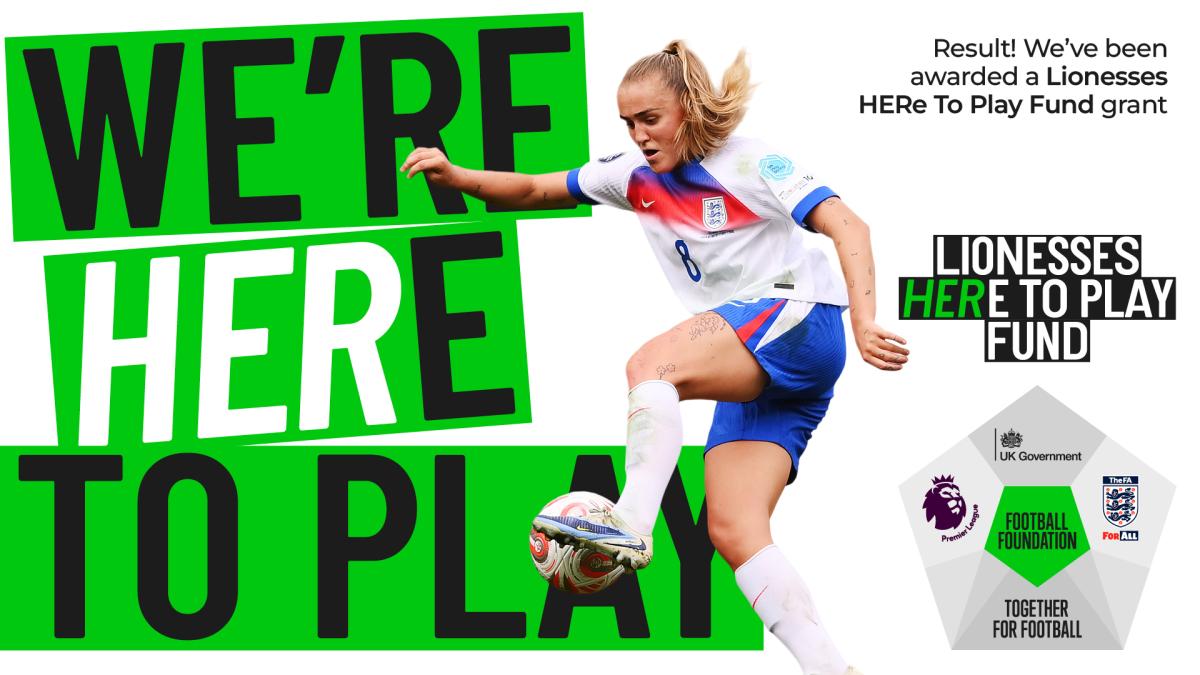
Download your graphics here
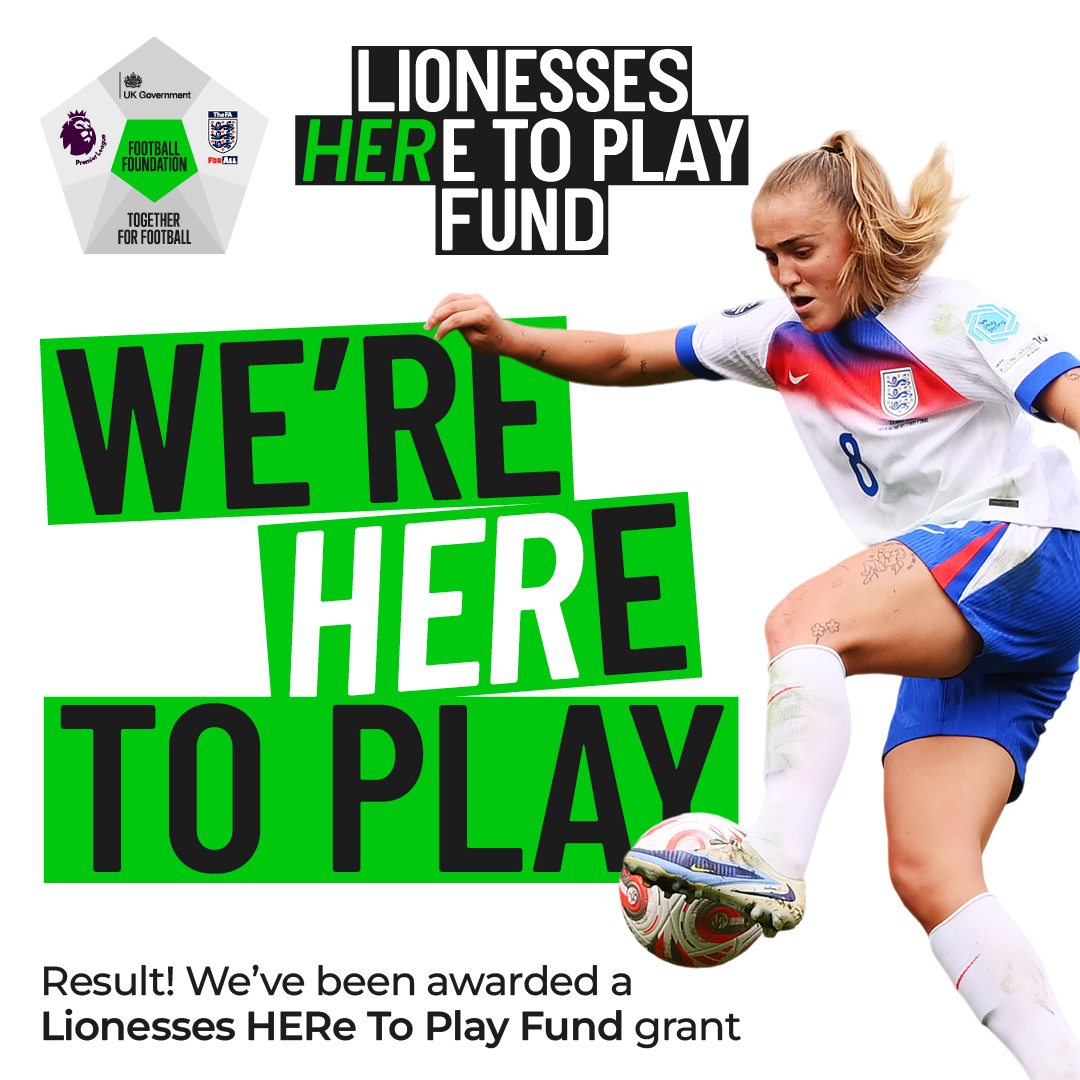
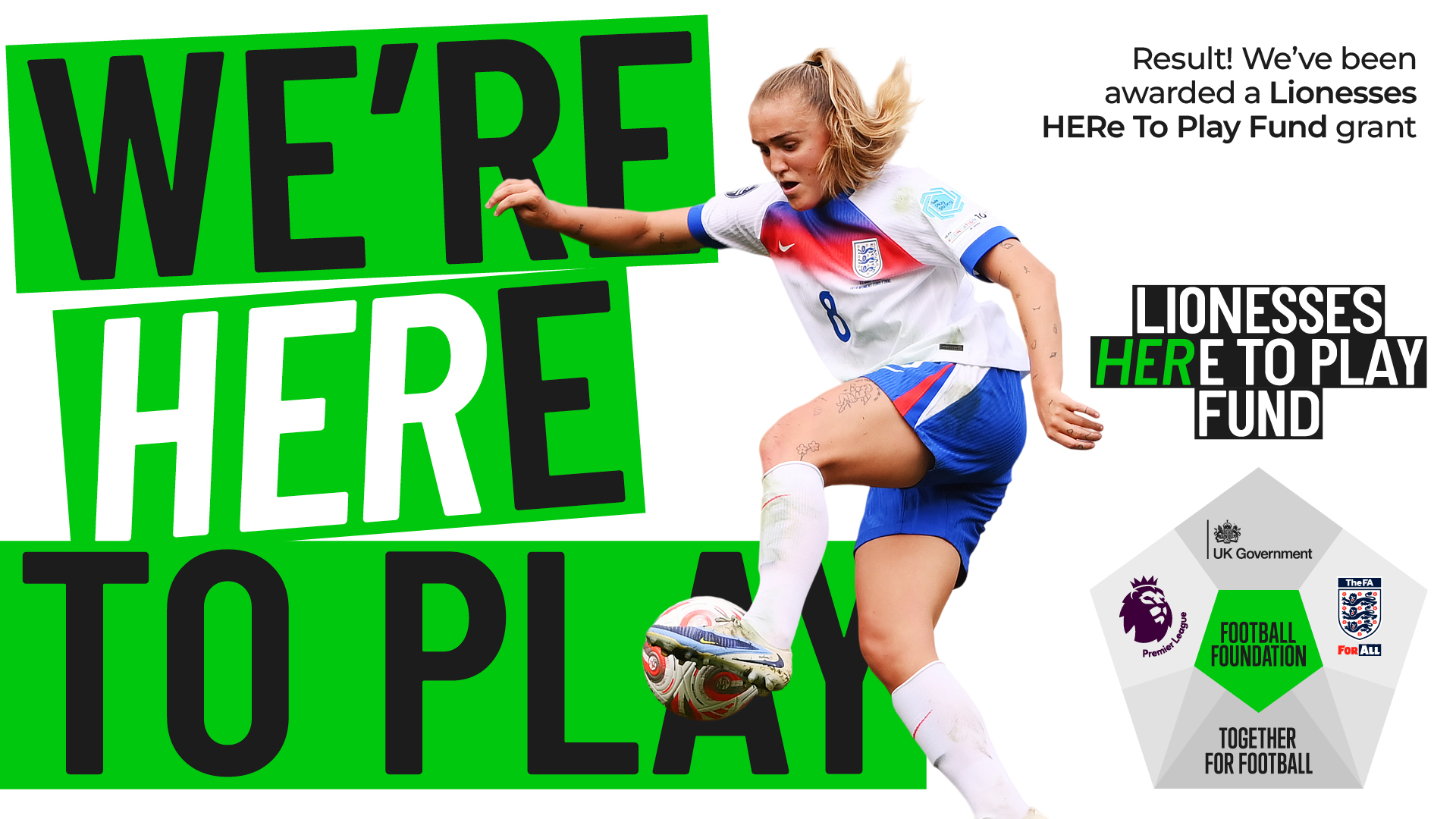
Example social media posts
Once you've downloaded the social media assets above, attach the graphic to your post and add some supporting text. We’ve given you some options below but feel free to put your own spin on it.
Facebook:
- We're HERe to Play! Thanks to the @premierleague, @England Football and @Department for Culture, Media and Sport's @FootballFoundation, we’ve been awarded a Lionesses HERe to Play grant that will enable us to *insert details of grant*
Twitter:
- We're HERe to Play! Thanks to the @premierleague, @FA and @DCMS’s @footballfoundtn, we’ve been awarded a @Lionesses HERe to Play grant that will enable us to *insert details of grant*
Instagram:
- We're HERe to Play! We’re delighted to announce that we’ve secured funding from the @premierleague, @englandfootball and @dcmsgovuk’s @footballfoundtn for *insert details of grant*
Writing to local politicians
Contact details
You can find the contact details of your local MP’s office by clicking on this link and typing in your relevant post code.
You can find the contact details of your local Councillors by clicking on this link and typing in your relevant post code.
If you live in London or in one of England’s nine Combined Authorities, you can find the contact details of your local Metro Mayor on this link.